- Home
- Departments
- Library
- Borrow & Access
- Tech to Go
The Mill Valley Library announces an array of new technology offerings!
 The Library has a limited number of Chromebooks available for checkout. Each Chromebook is bundled with a Wi-Fi hotspot for an all-in-one portable internet solution.
Whatbooks?
Chromebooks are laptops running Google's Chrome operating system. They function best with web apps like Google's suite of office software or Microsoft's Office web apps. You do not need a Google account to use Library Chromebooks. Learn the basics of Chromebooks at Google's Chromebook How-To page.
Call 415-389-4292 to reserve a Chromebook kit for pickup.
What You Need to Know
- You must have a library card in good standing to check out a Chromebook kit.
- Chromebooks check out for one week. If kits are available at the Library, yours will renew for an additional week.
- Chromebooks must be returned to the Mill Valley Library during open hours. Do not return Chromebooks in the book drop.
- The replacement cost for a lost or damaged Chromebook kit is $400.
- When you end a Chromebook session, all local data (downloads, browser history, logins, etc.) is erased. Closing the Chromebook lid will not end a session; signing out or powering off will.
- You must wait one day after returning a Tech to Go item before checking out another.
- You cannot have more than one Tech to Go item checked out at a time.
Disclaimers
The library is not responsible for damage to any removable drive or lost or corrupted files.
The library is not responsible for any computer viruses that may be transferred to user storage devices. Tampering with library equipment or attempting to access or modify the operating system or any other software or programming, including bypassing security functions, is prohibited and will result in suspension of Tech to Go Access.
The library cannot guarantee that hotspots will work in every location. The devices rely on cellular signals, which may be weak or intermittent in some locations.
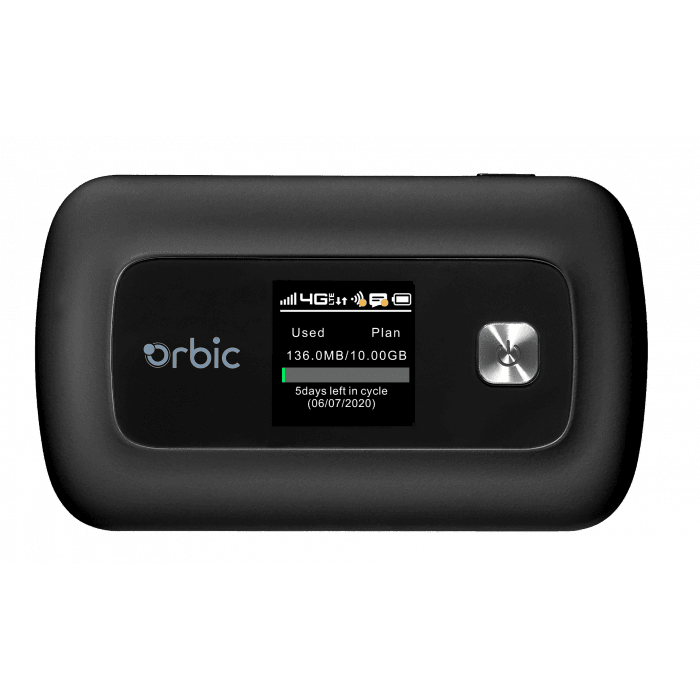 The Library now has Wi-Fi hotspots available for checkout!
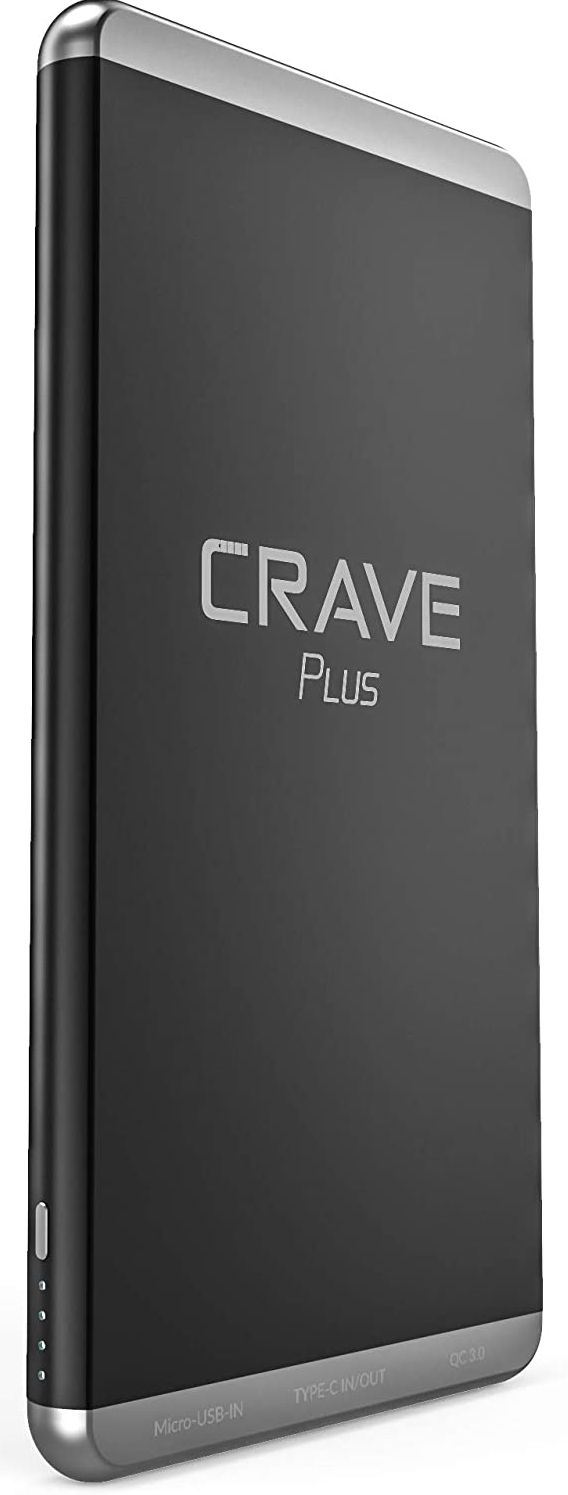 Need a Charge?